
Build quizzes once. Use them on web and Android.
Share one 6-character code and get objective answers marked automatically. Pre-registration for the Android app is open.
Free · No ads · Android 7.0+ · Coming soon
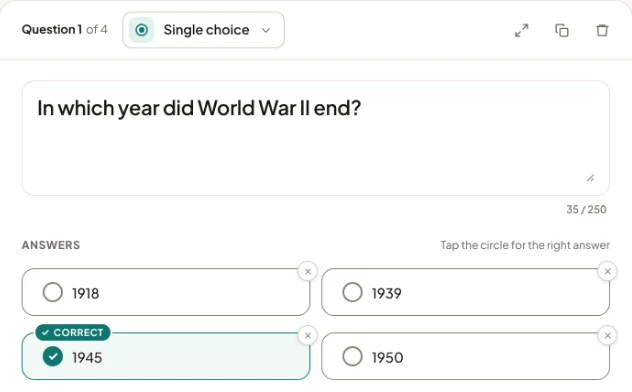
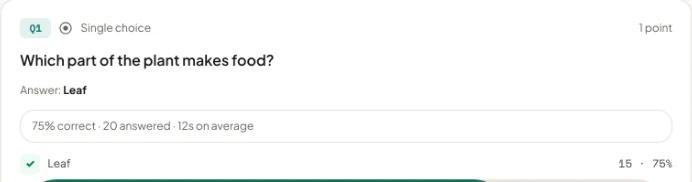
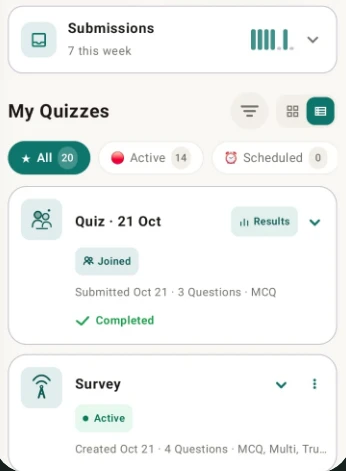
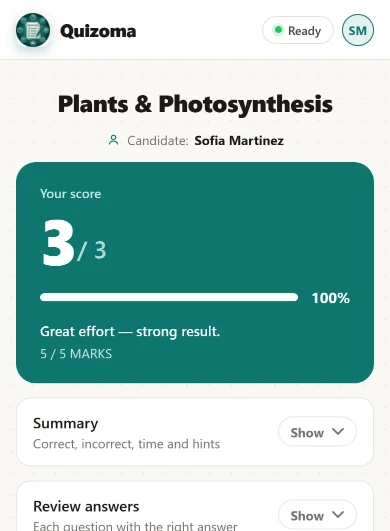
- CreateBuild it in the browser
- Across devicesSame account on Android
- See resultsAnswers marked for you
Start on the web. Carry it on Android.
Sign in with the same account in Quizoma Studio and the app. Your quizzes, drafts and results belong to that account.
- Edits made on either side show up on the other after a refresh while you are online.
- On Android you can keep building quizzes and answer a quiz that is already loaded offline. Changes sync when you reconnect.
- Signing in, joining by code and viewing results need internet.
Some settings, such as Quiz Defaults, stay on the phone.
See how it works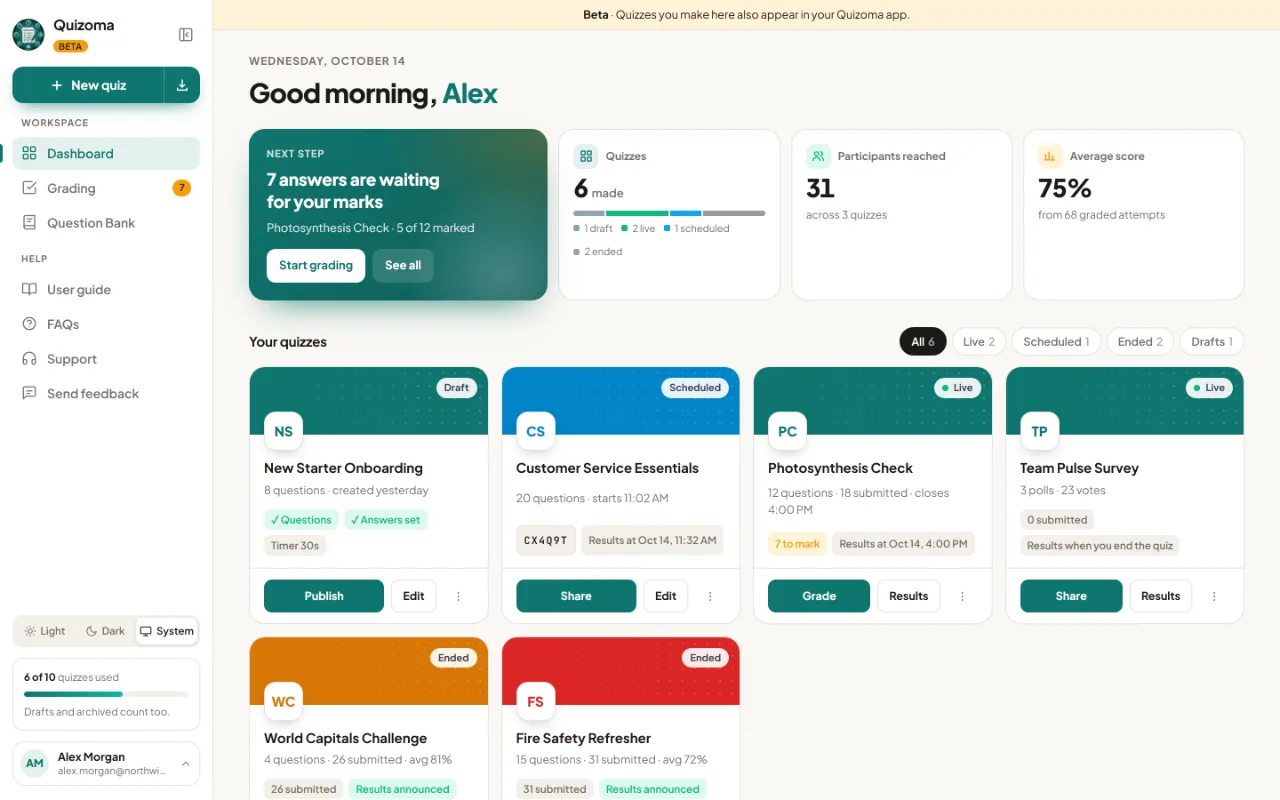
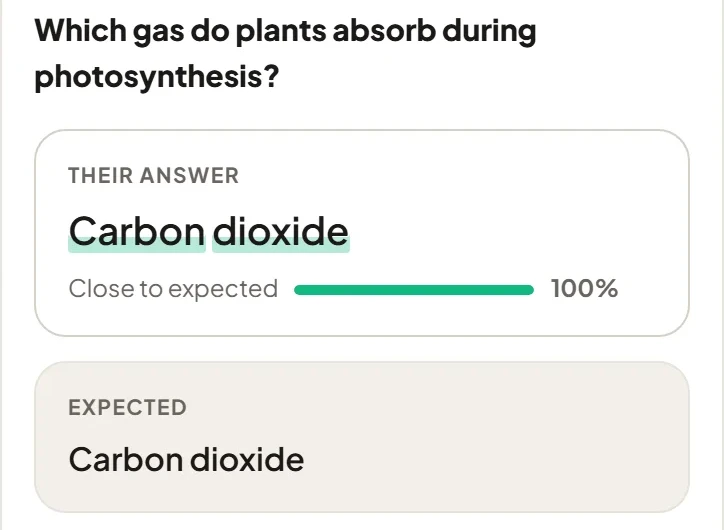
Answers marked automatically.
Choice, true/false, ordering and fill-in-the-blank answers are marked for you. Written answers are checked against the rule you set: exact, typo-tolerant, keywords or numeric.
- Prefer to mark by hand? Switch a quiz to manual marking and score each answer yourself.
- Polls and surveys are never scored.
Choose your platform
Both use the same account. Some things are only on one side.
| Web (Studio) | Android app | |
|---|---|---|
| Build and edit quizzes | Yes | Yes |
| Take a quiz with a 6-character code | Yes, in any browser at quizoma.com/take | Yes, plus QR code |
| Works offline | No, needs a connection | Build, and answer loaded quizzes |
| Reports, printing and templates | Yes | Web only |
| Push notifications and Quick mode | Android only | Yes |
Learners need an account (Google or email) to join a quiz, whichever way they take it. Android 7.0 or newer; not available for iOS.
Before you pre-register
More questions? Read the full FAQ or contact us. Teaching? See Quizoma for teachers.
When will the Android app launch?
The Android app is coming soon. Pre-registration is open on Google Play; the store listing is the place to check availability.
What does pre-registration do?
Open the Google Play listing and choose Pre-register if it is available for your account and country. Google Play can notify you when the app becomes available. You have not registered until you complete that step on Google Play.
Is Quizoma free?
Yes. Quizoma is free, with no ads and no in-app purchases. Account limits apply; see the FAQ for details.
Do I need an account?
Yes. You sign in with Google or email to build quizzes, and learners sign in to join one, in the app or in a browser. Use the same account on Android and Quizoma Studio to see the same quizzes.
What syncs between the web and Android?
Your quizzes, questions, drafts and results belong to your account, so edits made on either side show up on the other after a refresh while you are online. Some settings, such as Quiz Defaults, stay on the phone.
What works offline?
On Android, you can keep creating quizzes and answering an already-loaded quiz offline. Changes sync when you reconnect. Signing in, joining a quiz by code and viewing results need an internet connection, and the web version always needs one.
Can learners take a quiz in a browser?
Yes. Learners open quizoma.com/take in any browser, enter the 6-character code and sign in. There is nothing to install.
Can I start before the Android launch?
Yes. Quizoma Studio is available in your browser now. Create quizzes on the web and open them on Android with the same account once the app is available.
Ready when you are
Pre-register for Android, or start building in your browser today.