

Start from a template. Have your own quiz in minutes.
Watch the real Quizoma Studio screens: find a ready-made quiz, pick the questions you want, make it yours, then set it up for your own practice or for a class or team. Pause whenever you like.
- ✓ Free
- ✓ Every answer shown
- ✓ Edit anything
Watch a template become your quiz
About 2½ minutes · pause or skip any time
Press play to start.
Six steps from a template to a quiz you can share.
Find
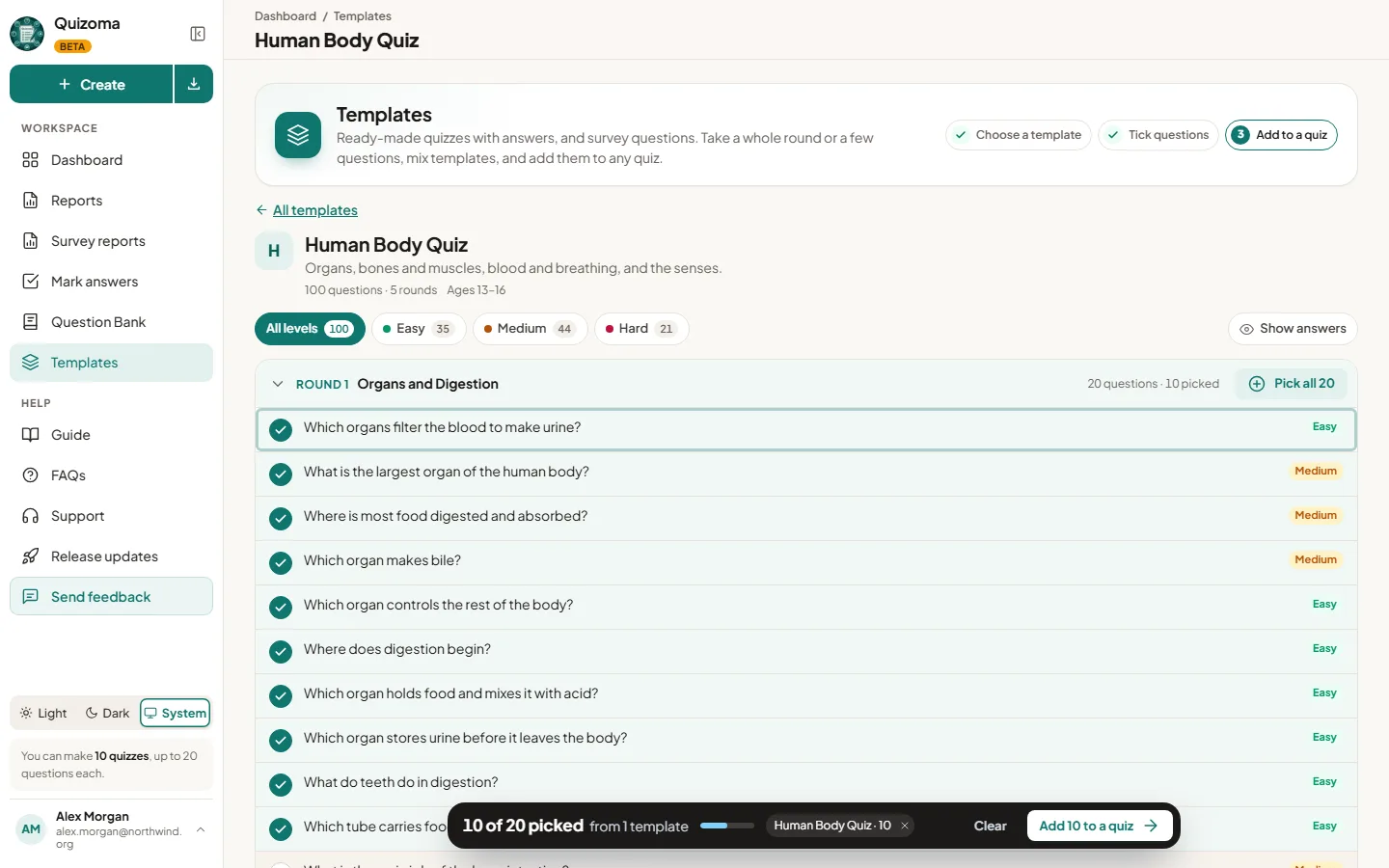
33 ready-made templates: school subjects, exam prep, trivia, staff training and feedback surveys. Search by topic.
Pick
Every answer is shown, so you can check before you use a question. Tick single questions or a whole round.
Create
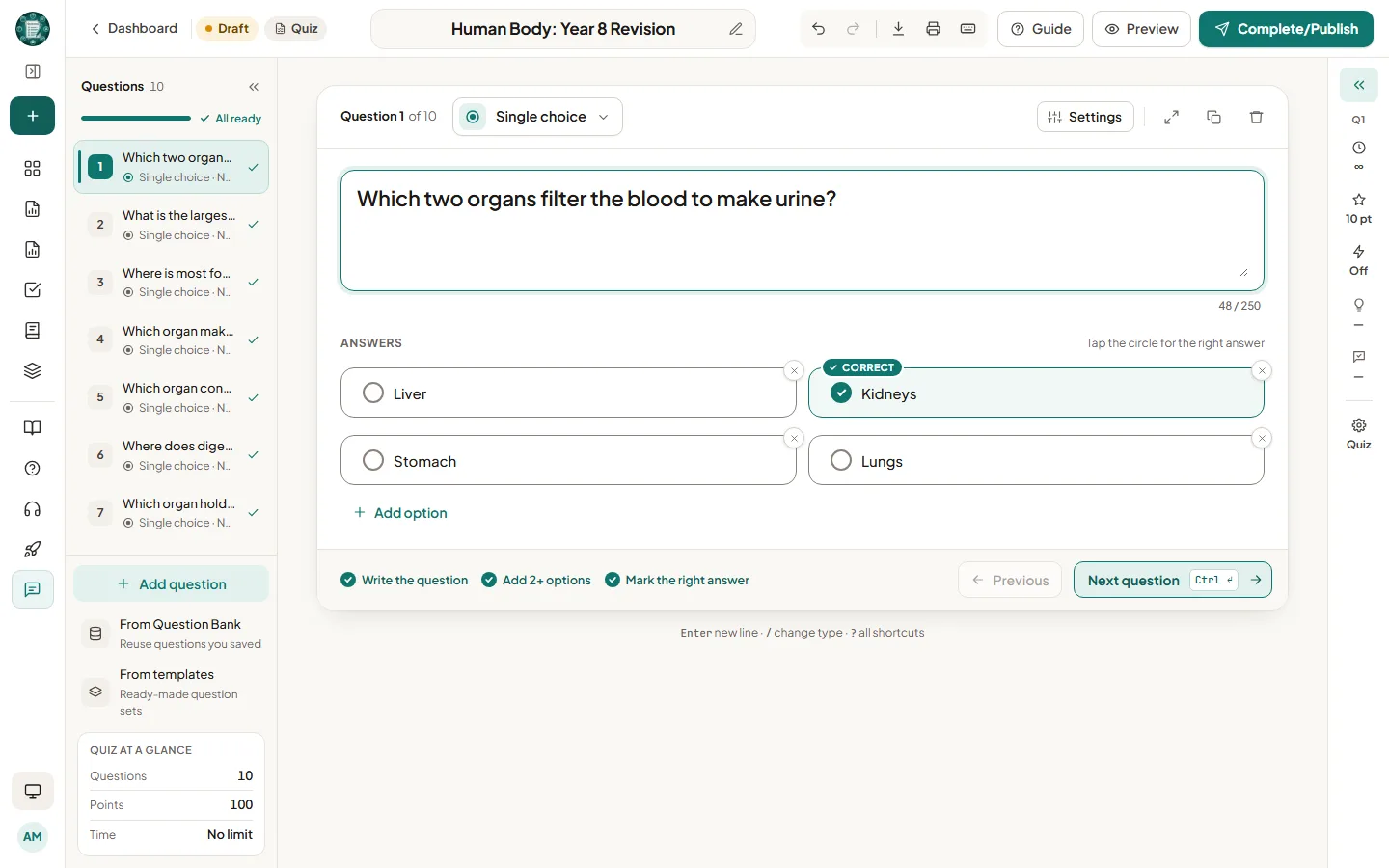
Add your picks to a new quiz, or to one you already have. Answers are already marked.
Make it yours
Rename it, reword a question, add your own and mix in more from other templates. Undo is always there.
Practice or team
Practice marks each answer right away, for revising alone. Test is for a class or a team: a timer, one try, scores when you announce.
Share
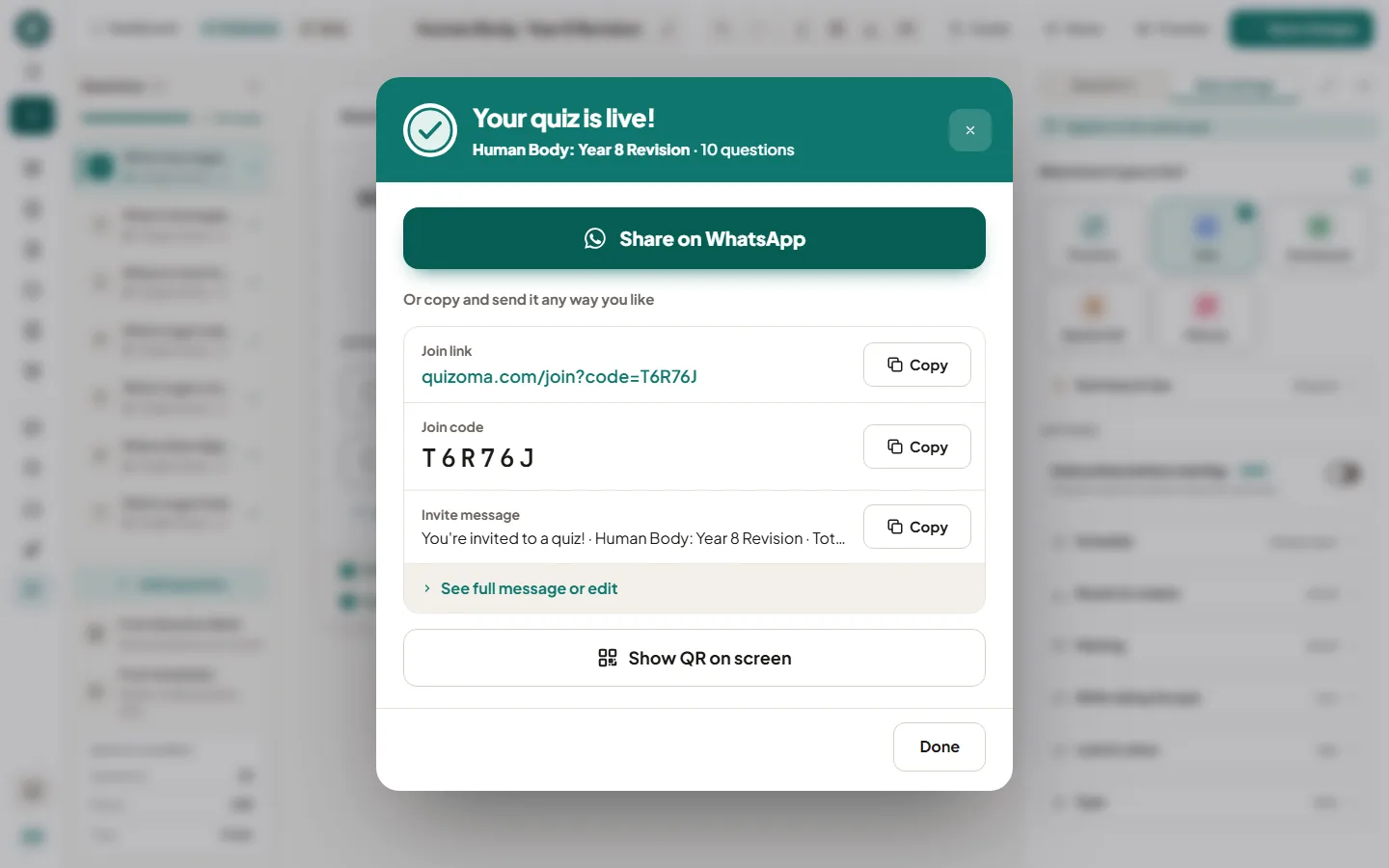
Publish to get a link, a 6-letter code and a QR. Send it on WhatsApp or write the code on the board.
Pick a template and make it yours. It’s free.
Sign in with Google and you are in Studio, on the same screens you just watched.